


.svg)

Overview
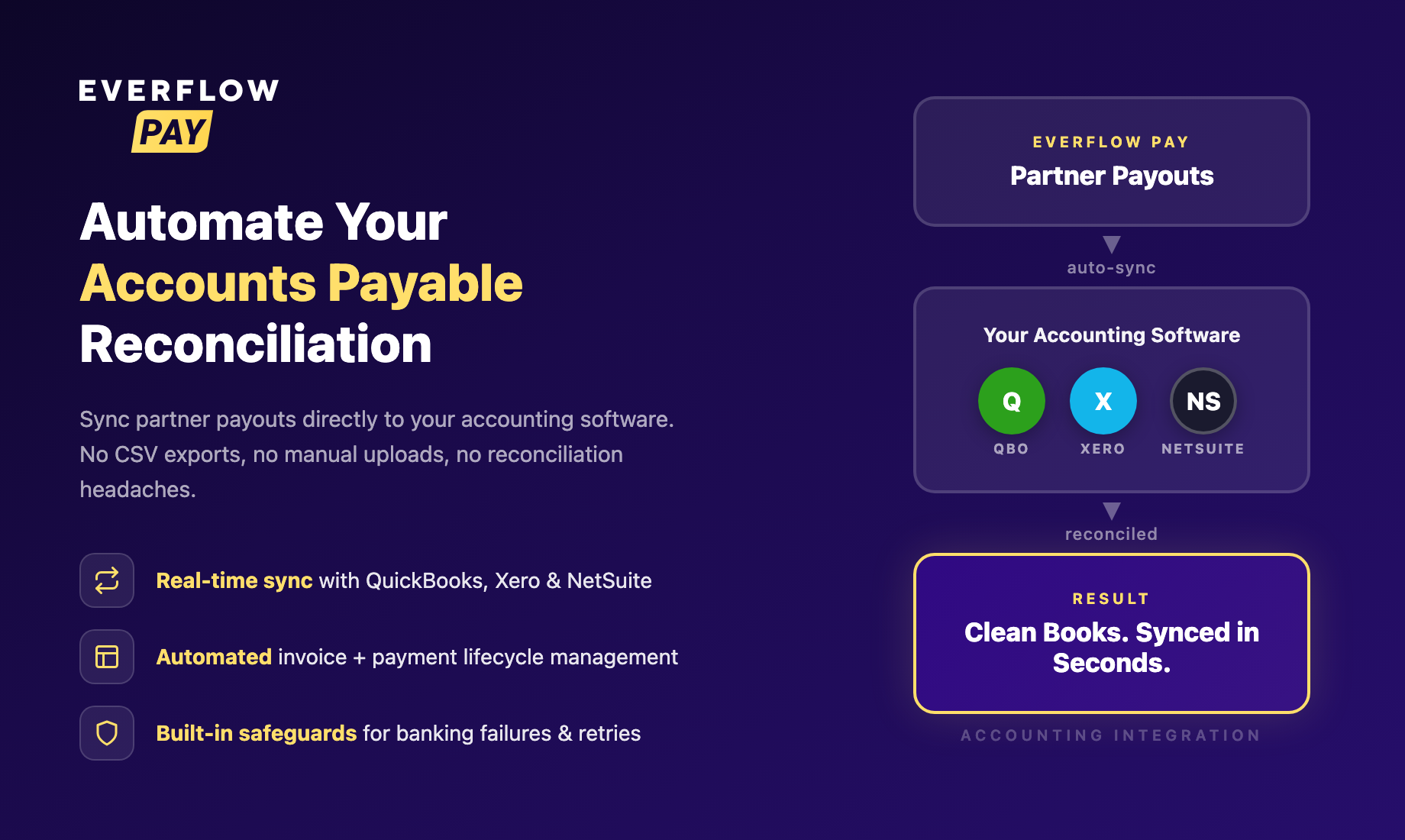
Everflow Pay seamlessly connects with your accounting software to automate accounts payable reconciliation and ensure data accuracy.
Who This Series Is For
This feature is generally for finance team members or others who manage accounts payable within Everflow Pay and want automated reconciliation of Invoices & Payments to their Accounting Software/ERP.
It does assume you're familiar with basic accounting concepts related to your specific Accounting Software such as QuickBooks, NetSuite or Xero.
This series walks you through everything you need to know to get up and running, from understanding what the feature does to watching your first sync land in your accounting software. One thing worth knowing up front: when Everflow Pay needs to pull your vendor and account lists across, it does that in the background and emails you when your data is ready, so you never have to sit and wait on a loading screen.
The Series
Read these in order. Each article picks up where the previous one left off.
What Accounting Integration does, what data it syncs (Invoices and Payments), which platforms are supported, and the key terms you'll see throughout the series.
After reading: You'll understand the feature at a high level and know what to expect from the setup process.
Read Article →How to connect your accounting software step by step: selecting your integration of choice, authorizing Everflow Pay to gain read & write access.
After reading: You'll be ready to start mapping your Partners (Payees) to Vendors in your Accounting ERP.
Read Article →What Payee-to-Vendor mapping is, why it matters, and how it works across different Accounting ERPs.
After reading: You're ready to start watching reconciliation happen for your Accounts Payables into your Accounting ERP.
Read Article →How syncing works: what triggers a sync, what gets created in your accounting software, and the rules behind it. Also covers how your vendor and account lists are refreshed, what happens when payments are rejected and retried, and how to verify records using the memo reference.
After reading: You'll understand the full data flow between Everflow Pay and your books, in both directions.
Read Article →Save These Reads For Later
Once you've finished the series above, you'll have a working integration and a solid understanding of how it operates. For day-to-day use, these standalone reference articles will be your go-to:
Where to check on your syncs and your vendor and account refreshes, and what every status means.
Read Article →What to do when Everflow Pay can't reach your accounting software, including refreshes that don't finish.
Read Article →Fix individual sync failures, error by error, with the cause and the steps for each one.
Read Article →


